

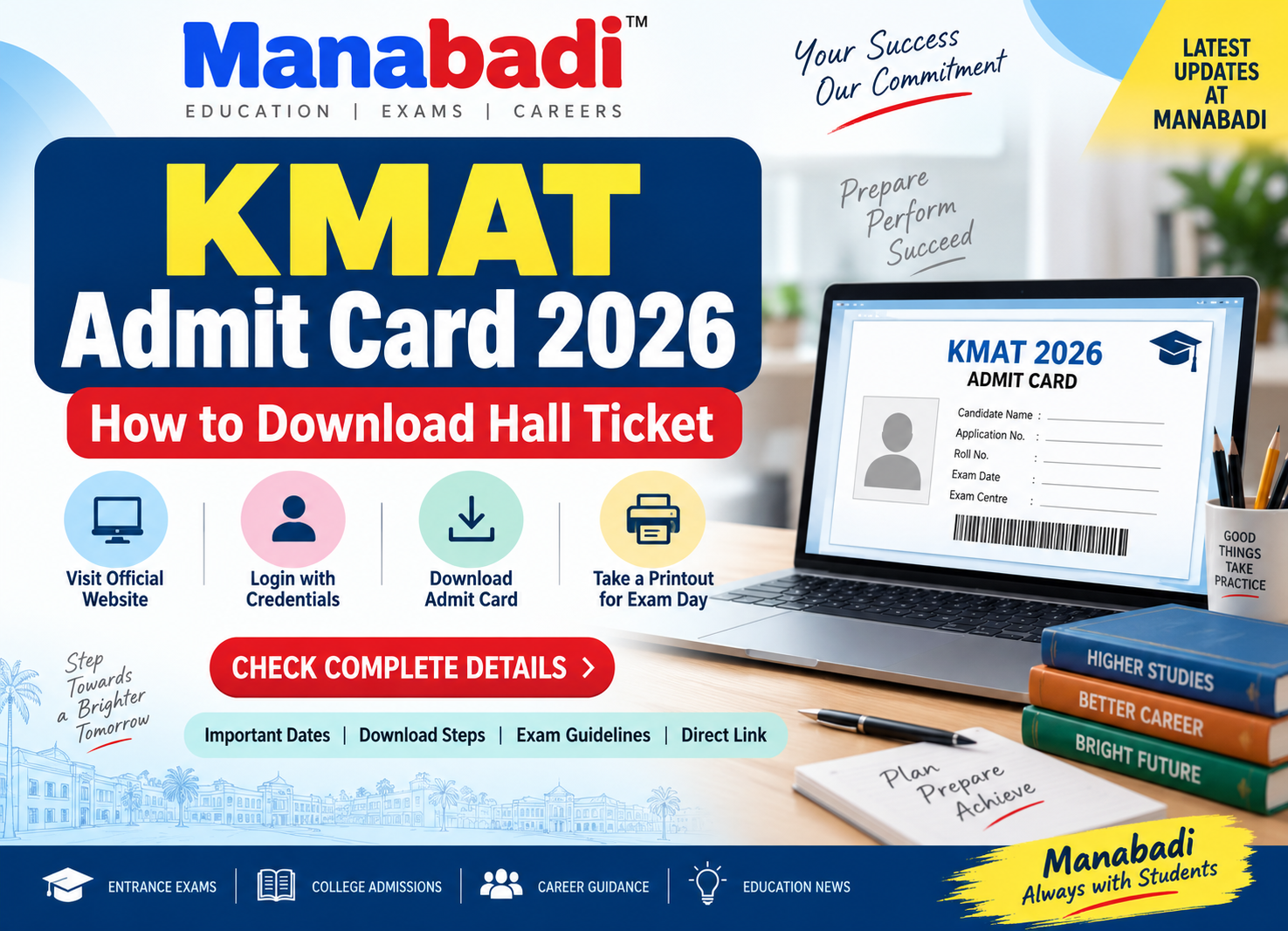
The KMAT Admit Card 2026 is an important document for candidates appearing for the Karnataka Management Aptitude Test (KMAT) 2026. Candidates can download their hall ticket online through the official KMAT India website once the admit card link is activated.
The KMAT 2026 examination is scheduled to be conducted on September 20, 2026. Candidates must carry or keep their admit card ready as per the instructions issued by the examination authority.
KMAT Admit Card 2026 – Important Details
| Particulars | Details |
|---|---|
| Exam Name | KMAT 2026 |
| Admit Card | Expected Soon |
| Exam Date | September 20, 2026 |
| MCA Exam Time | 10:00 AM to 12:00 PM |
| MBA Exam Time | 2:00 PM to 4:00 PM |
| Mode of Exam | Home-Based Online Proctored |
| Official Website | KMAT India |
How to Download KMAT Admit Card 2026
Candidates can follow the steps below to download their KMAT 2026 hall ticket:
- Visit the official KMAT India website.
- Look for the “KMAT Admit Card 2026” or Hall Ticket Download link.
- Click on the link to open the candidate login page.
- Enter your Application Number and Password/Date of Birth as required.
- Click on the Submit/Login button.
- The KMAT 2026 admit card will appear on the screen.
- Check all the details mentioned on the hall ticket carefully.
- Download the admit card in PDF format.
- Take multiple printouts and keep them safely for the examination.
KMAT 2026 Exam Timings
The examination timings are different for MBA and MCA candidates.
- MCA: September 20, 2026, from 10:00 AM to 12:00 PM
- MBA: September 20, 2026, from 2:00 PM to 4:00 PM
Candidates should carefully check their admit card for their allotted examination details.
Forgot KMAT Application Number or Password?
Candidates who have forgotten their login credentials should first check their registered email inbox, spam and junk folders for the registration confirmation message.
Once the candidate login/recovery facility is activated, candidates can use the available Forgot Application Number or Forgot Password option and follow the instructions to recover or reset their credentials.
Candidates appearing for KMAT Kerala should use the CEE Kerala candidate portal for login and credential recovery, as KMAT Karnataka and KMAT Kerala are conducted through different portals.
Check Application Status
After successfully logging in, candidates can check their application status through the candidate dashboard. Before the examination, candidates should ensure that their registration details and examination information are correct.
KMAT 2026 Online Proctored Exam
The KMAT Karnataka 2026 examination is being conducted in a home-based online proctored mode. Candidates should ensure that their computer system, internet connection, camera and other required hardware meet the examination requirements.
The scheduled practice/mock tests on September 17 and 18, 2026 can be used by candidates to check system compatibility and become familiar with the examination process.
Details to Check on KMAT Hall Ticket
After downloading the admit card, candidates should carefully verify:
- Candidate Name
- Application Number
- Photograph
- Examination Date
- Examination Time
- Course/Programme
- Exam Instructions
- Online Examination Guidelines
- Other details mentioned by the examination authority
If there is any discrepancy, candidates should contact the concerned examination authority immediately.
KMAT Admit Card 2026 – Important Instructions
Candidates should download their hall ticket as soon as it is released and avoid waiting until the last minute. Keep the login credentials safely available and ensure that the device and internet connection are ready before the online examination.
For a home-based proctored exam, candidates should also follow the instructions regarding the examination environment, system requirements and identity verification.
Conclusion
The KMAT Admit Card 2026 is expected to be released soon before the September 20, 2026 examination. Candidates should regularly check the official KMAT India portal for the hall ticket download link. Once released, download the admit card using the registered login credentials, verify all details and keep a copy ready before exam day.